
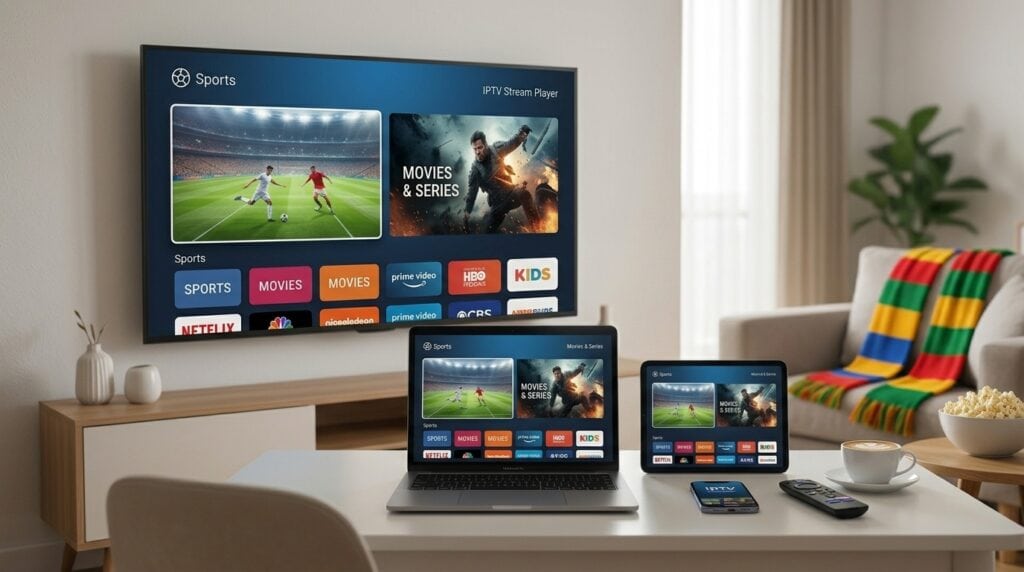
IPTV Stream Player: Complete Overview, Setup & Optimization Guide (2026)
Modern digital broadcasting has evolved beyond traditional cable and satellite infrastructure. As high-speed broadband connections become universally accessible, users increasingly rely on dedicated software applications to organize and watch live television, sports feeds, and video-on-demand content. Among the widely used media management solutions, an iptv stream player stands out as a versatile engine designed to turn raw media playlists into an intuitive, interactive entertainment hub. In this guide, we explore how stream players function, cover their primary features, review supported hardware platforms, and walk through step-by-step instructions to configure your personal media environment.
Table of Contents
- What Is an IPTV Stream Player?
- Key Features and Capabilities
- Supported Devices & Operating Systems
- Player Feature Comparison
- Step-by-Step Configuration Guide
- Optimizing Playback and Reducing Buffering
- Network Safety and VPN Integration
- Frequently Asked Questions
- Conclusion
What Is an IPTV Stream Player?
It is important to note that an iptv stream player is strictly a media playback application. It does not supply native channels, streams, subscriptions, or pre-loaded content. Instead, the player acts as a client-side interface that reads external stream configurations—such as M3U playlist URLs, M3U8 links, or Xtream Codes API credentials. Once connected, the app fetches the provider’s metadata, organizes live channels into structured categories, generates an Electronic Program Guide (EPG), and indexes movies or TV series for on-demand playback.
Key Features and Capabilities
A modern iptv stream player provides several advanced features designed to replicate or exceed traditional television functionality:
- Electronic Program Guide (EPG) Integration: Automatically loads live broadcast schedules, show descriptions, and timeline indicators.
- Multi-Format Playback Support: Decodes common streaming formats such as HLS (M3U8), MPEG-TS, MP4, and MKV containers seamlessly.
- Category and Playlist Management: Allows users to group channels, set favorite lists, and manage multiple playlist sources simultaneously.
- External Media Player Support: Gives users the flexibility to switch between internal video decoders or route streams through external players like VLC or MX Player.
- Parental Controls & Pin Protection: Enables locking specific channel groups or adult content categories behind passcode protection.
Supported Devices & Operating Systems
One of the primary advantages of utilizing a standalone iptv stream player is cross-platform flexibility. Depending on your hardware ecosystem, software options are readily available:
- Android TV & Fire OS Devices: Compatible with Amazon Fire TV Sticks, Nvidia Shield TV, Chromecast with Google TV, and Android smart boxes.
- Smart TVs (Tizen & webOS): Accessible directly via the app stores on Samsung and LG televisions.
- Windows & macOS Computers: Available as desktop software or via Microsoft Store and Mac App Store packages.
- iOS & iPadOS Devices: Functional across iPhones and iPads for mobile viewing on the go.
Player Feature Comparison
The table below highlights common capabilities across typical configurations of an iptv stream player:
| Feature | Standard Version | Pro / Premium Version |
|---|---|---|
| Playlist Support | Single M3U / Xtream Account | Multiple Active Playlists & Auto-Sync |
| EPG Functionality | Basic Electronic Program Guide | Multi-EPG Sources & Custom Time-Offsets |
| Playback Features | Standard Player Controls | Multi-Screen, Picture-in-Picture (PiP), Catch-Up |
| Ad Experience | Contains In-App Ads | Ad-Free Interface |
Step-by-Step Configuration Guide
Configuring an iptv stream player takes only a few minutes. Follow these standard setup steps:
- Download and install your chosen iptv stream player application from your device’s official app store.
- Launch the app and select your preferred playlist connection method: **Xtream Codes API** or **M3U Playlist URL**.
- If using **Xtream Codes**, enter the Server URL, Username, and Password provided by your service.
- If using an **M3U URL**, paste or type the full HTTP playlist link directly into the designated input field.
- Save the entry and allow the app a few moments to parse the channels, VOD categories, and EPG data.
- Select your desired category and begin streaming live channels or media files.
Optimizing Playback and Reducing Buffering
Experiencing playback freezes or audio sync errors is typically caused by local network bottlenecks rather than the application itself. Consider these optimization steps:
- Use Hardwired Ethernet: Connect your media box or TV using a physical Ethernet cable instead of Wi-Fi to avoid wireless signal drops.
- Adjust Decoder Settings: Inside the app settings, experiment with switching hardware acceleration between **HW**, **HW+**, or **Software (SW)** decoding modes.
- Increase Network Buffer: Adjust the buffer size setting from zero to 3–5 seconds to buffer incoming video packets smoothly before playback.
- Clear Application Cache: Periodically clear the software cache in your operating system settings to keep system memory free.
Network Safety and Privacy
When streaming media over public or private networks, using a Virtual Private Network (VPN) can be beneficial. A VPN encrypts your connection traffic, helping to shield your data and prevent Internet Service Providers (ISPs) from applying bandwidth throttling during peak streaming hours.
Frequently Asked Questions
Does an IPTV stream player include channels?
No. The player is an engine only. You must import your own custom playlist URL or legal streaming account credentials to watch media.
Is it necessary to create an account to use the app?
Most basic players function locally on your device without requiring an account. However, creating a user profile often allows cross-device playlist syncing and cloud backup of your settings.
What should I do if a stream does not load?
Verify your internet connection, confirm that your playlist link or server URL is active, or test opening the stream using an external media player like VLC.
Conclusion
Using a dedicated iptv stream player offers an efficient, highly customizable way to organize digital video feeds across your favorite home devices. By selecting software with robust EPG support, configuring stable decoder options, and maintaining a solid network connection, you can enjoy a smooth, high-quality television viewing experience.